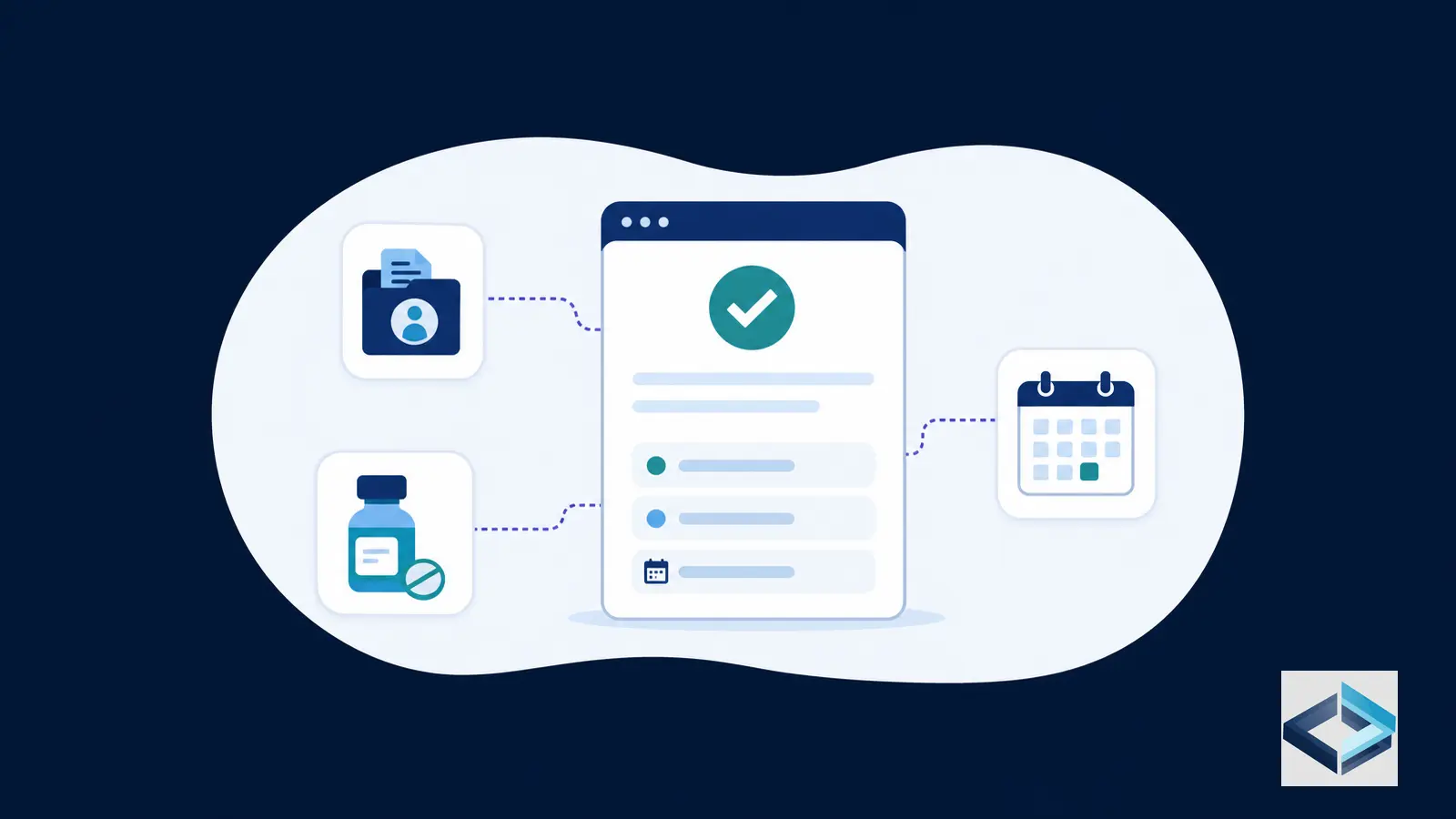
The FDA Approvals dataset helps healthcare-data users examine U.S. drug-application information represented in Drugs@FDA. It connects applications with associated products and submissions, allowing researchers to review dates and statuses recorded for particular submission events.
The key to researching FDA approvals responsibly is structural: an application is not the same as a product, and a product is not the same as a submission. Drugs@FDA represents those levels separately. To answer questions such as “What product was associated with this application?” or “What happened on this submission date?”, read the relevant table and connect records through their identifiers.
QOPE brings selected public healthcare datasets into a more accessible environment. You can Explore FDA Approvals data in QOPE and Browse all QOPE databases. For official verification, consult the current FDA pages and files.
Table of contents
- What the Drugs@FDA dataset contains
- A field map for applications, products, and submissions
- Why product and submission tables must be analyzed separately
- Worked example: reading one application, product, and submission relationship
- An as-of-date and status-validation checklist for reproducible FDA approval research
- Using the data in practice
- Related QOPE guides
What the Drugs@FDA dataset contains
The U.S. Food and Drug Administration’s Drugs@FDA program provides information about drugs, including biological products, approved for human use in the United States. The online service allows users to search by drug name, active ingredient, or application number. FDA also publishes a compressed technical data file for users who work with databases or spreadsheets.
The published files contain 12 text tables. FDA provides field definitions, primary keys, data types, field lengths, null information, and an entity relationship diagram. The tab-delimited files can be imported into a database, spreadsheet, or word-processing program.
At the application level, Drugs@FDA records approval information for drug applications. The API documentation describes each Drugs@FDA entry as having four major sections:
- Application data: Top-level information about the application.
- Product data: A list of products included in the application.
- Submissions data: A list of submissions associated with the application.
- OpenFDA data: Additional identifiers associated with the application number, when available.
Application data can identify the application and sponsor. Product data can describe a product connected to that application. Submission data can show a submission type, number, status, and status date.
FDA states that its online Drugs@FDA information does not include FDA-approved products regulated by the Center for Biologics Evaluation and Research, such as vaccines, allergenic products, blood and blood products, plasma derivatives, and cellular and gene therapy products. That scope matters when interpreting absence.
A field map for applications, products, and submissions
| Field | Dataset role | How to read it |
|---|---|---|
| Application number | Application-level identifier, represented as ApplNo in FDA tables | Connects application information with related product and submission records |
| Product number | Product-level identifier within an application | Distinguishes one product from another associated with the same application |
| Submission number | Identifier for a submission associated with an application | Distinguishes individual submission records |
| Submission type | Submission-level classification field | Helps identify the submission when paired with its number |
| Sponsor | Application-level organization field, represented as SponsorName | Names the sponsor recorded for the application |
| Dosage form | Product-level description, represented as Form | Describes the product’s dosage form |
| Route | Product-level route information | Describes the route associated with the product |
| Strength | Product-level description | Records the strength associated with the product |
| Action date | Date associated with an action or submission event | Must be interpreted with the related application and submission identifiers |
| Approval status | Status information associated with an approval record | Requires validation against the relevant submission and date |
The FDA table definitions make these relationships more specific. The Applications table uses ApplNo as its key and includes ApplType, public notes, and SponsorName. The Products table links ApplNo with ProductNo and includes Form, Strength, drug name, and active ingredient. The Submissions table links ApplNo, SubmissionType, and SubmissionNo, and includes SubmissionStatus, SubmissionStatusDate, submission class, review priority, and public notes.
Researchers working directly with official FDA files should consult the current definitions and entity relationship diagram.
Why product and submission tables must be analyzed separately
Product records and submission records answer different questions. Product and submission records are stored in distinct tables, so they should not be treated as one undifferentiated record.
A product record describes an item associated with an application. Its fields can include the product number, dosage form, strength, drug name, and active ingredient. Product data help answer:
- Which dosage form is associated with this application?
- What strength is recorded for a particular product number?
- Which products are listed under the same application?
A submission record describes a submission associated with an application. Its fields include the submission type, submission number, submission status, submission status date, submission class, and review priority. Submission data help answer:
- Which submission is being examined?
- What submission type and number identify it?
- What status and status date are recorded?
An application can have multiple products and submissions. A product number identifies a product within an application; it does not identify a submission. A submission number identifies a submission within an application; it does not describe a product’s dosage form or strength.
The shared application number is the starting point for joining tables, but it is not sufficient for every analysis. To interpret a submission date, retain the submission type and submission number. To interpret a product field, retain the product number.
Worked example: reading one application, product, and submission relationship
Consider a single application record returned through the Drugs@FDA API. The API documentation shows that one entry is organized into application data, product data, and submissions data.
Start with the application number. This identifies the application-level record. Read the accompanying sponsor value as the sponsor recorded for that application. The application number links related product and submission records; it does not, by itself, identify a particular dosage form, strength, or submission event.
Next, open the product list. Select one product record and read its product number, dosage form, route, and strength. These fields describe that product record. If the application has more than one product number, keep each attribute attached to the correct product number.
Then open the submissions list. Select one submission and read its submission type, submission number, approval status, and action date. Submission status dates belong to specific submission records. Report the date with the application number, submission type, and submission number so another researcher can identify the event reviewed.
This reading can show that a recorded sponsor is associated with an application, that a product number has a recorded dosage form, route, and strength, and that a submission has a recorded status and date.
It does not show that every submission under the application received approval. It also does not establish comparative clinical or market conclusions about the product. Those questions require evidence beyond these fields.
The same principle applies to route values in aggregate. The openFDA documentation gives an example count query for products.route.exact, with values including ORAL, INJECTION, TOPICAL, OPHTHALMIC, and INTRAVENOUS. These values describe route terms present in product data, not submission outcomes.
An as-of-date and status-validation checklist for reproducible FDA approval research
Approval research is date-sensitive. Before reporting a result, document the date on which you viewed or downloaded the information and define what “as of” means in your analysis.
Use this checklist:
- Define the question. Specify whether you are studying applications, products, submissions, approval actions, or a combination.
- Set the as-of date. Record whether it refers to the data-file version, the recorded action date, or both.
- Check the current FDA files. FDA says the Drugs@FDA data file is updated each morning, Monday through Friday. Check the FDA page for the current file listing and displayed update information.
- Preserve identifiers. Keep the application number, product number, submission type, and submission number.
- Separate table roles. Read dosage form, route, and strength from product records; read status and status date from submission records.
- Validate status in context. Confirm the status alongside its application number, submission type, submission number, and status date.
- Check scope. Confirm that the product category falls within Drugs@FDA coverage, particularly when working with biological products.
- Record the official reference. Save the FDA data-file page or Drugs@FDA record used for verification.
- Avoid unsupported time claims. A date in a record is not automatically the date on which the entire dataset was published or refreshed.
- Recheck changing records. For current work, revisit the official FDA page because file listings and displayed data context can change.
This process supports reproducible FDA approval process research without treating a single field as conclusive by itself.
Using the data in practice
A practical workflow begins with the application number, then branches into the product and submission tables. For product-oriented research, review records by application number and product number. For submission-oriented research, retain the full submission key: application number, submission type, and submission number.
Researchers comparing approval activity across periods should define the date field before counting or sorting records. If the question concerns a submission event, use the submission’s recorded status date or action date as appropriate to the dataset representation, and explain the choice. If the question concerns product characteristics, do not use a submission date as though it were a product date.
The FDA online service also provides monthly approval reports. FDA notes that these reports include specified BLA, NDA, ANDA, and supplement approvals, as well as certain tentative approvals, and that the reports do not include applications or supplements approved by CBER. Monthly reports and downloadable tables can therefore support different analyses and should not be assumed to have identical scope.
For broader context, see FDA Approvals Dataset Guide: How to Read Drugs@FDA Records and FDA Orange Book: A Practical Guide to Drug Listings, Therapeutic Equivalence, Patents, and Exclusivity.
Related QOPE guides
- FDA Approvals Dataset Guide: How to Read Drugs@FDA Records
- FDA Orange Book: A Practical Guide to Drug Listings, Therapeutic Equivalence, Patents, and Exclusivity
- FDA Orphan Drug Designations: What Public Data Shows About Rare Disease Drug Incentives
- Cost Plus Drugs and NADAC: A Practical Guide to Drug Pricing Data
- Browse all QOPE databases
QOPE is not affiliated with CMS, the FDA, or any government agency. QOPE organizes selected public healthcare data and does not replace official sources.